A cross-platform dual-pane file manager
you can drive almost entirely from the keyboard.
Fetching the latest release…
v0.9.92026-08-12
Copy / move / sync between the two panes. Switch to a single-pane or preview layout anytime.
Single keys like c/m/k/d/r/n for the core actions. Fully customizable key bindings.
Copy / move / delete (trash or permanent) / rename / bulk rename (template + numbering + regex + live preview). Properties dialog to view / edit name, size, dates, and permissions.
Create & extract zip / tar / tar.gz / tar.bz2 / tar.xz. Browse inside archives (virtual FS) and extract selected entries.
Text / image (HEIC supported) / video·audio / binary / Markdown / PDF / CSV·TSV. Inline or separate window, with full-text search. Font and colors configurable per viewer (per Light / Dark theme).
Background recursive search, bookmarks, directory history, address bar with path completion.
Color-coded per-row diff between the two panes. Works with sync browsing and stays active after copying.
Theme, address bar, cursor, per-category file colors, row height. English / Japanese (Auto follows the OS).
Checks for the latest version on startup and updates in one click — download, verify, install.
Add viewers and archive formats via external plugins. The official LZH (LHA) plugin is available, and third-party plugins are supported too.
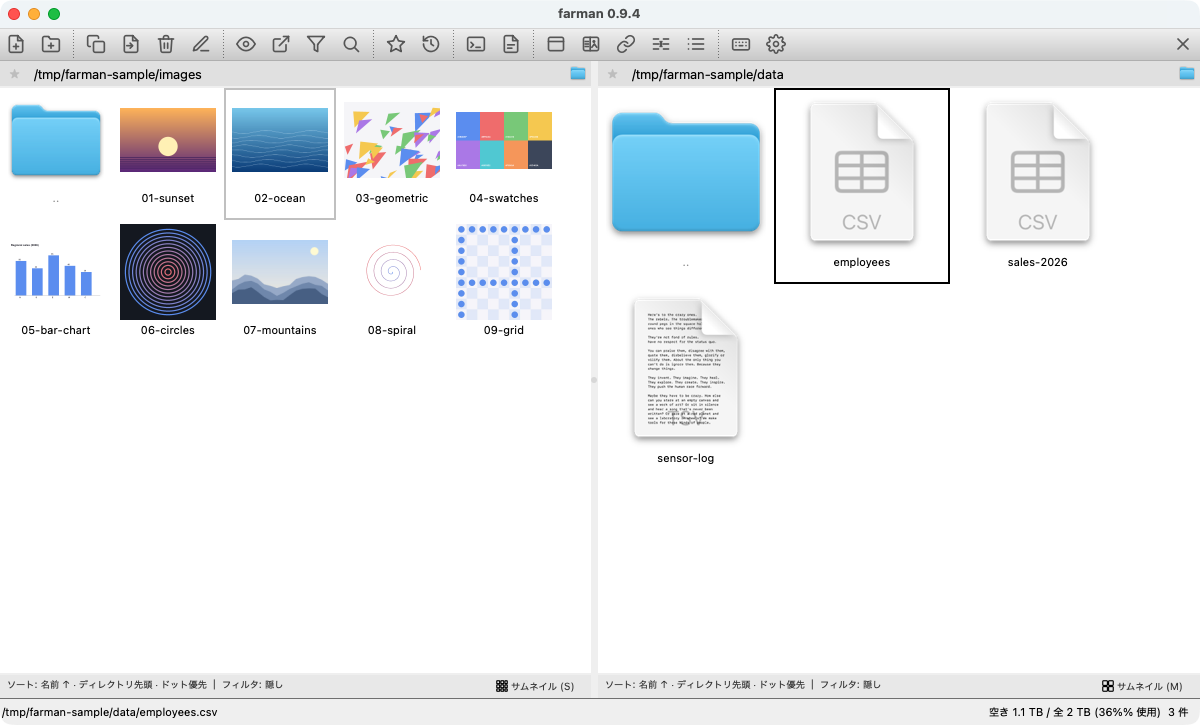
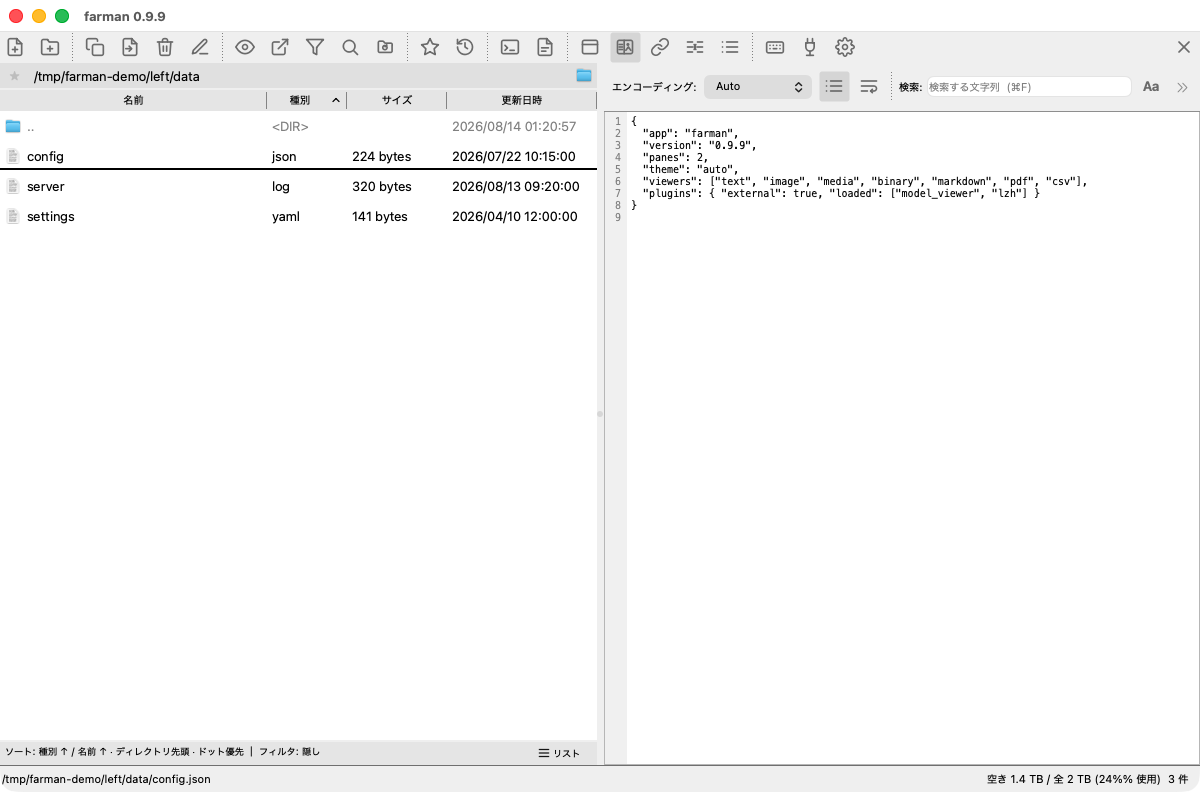
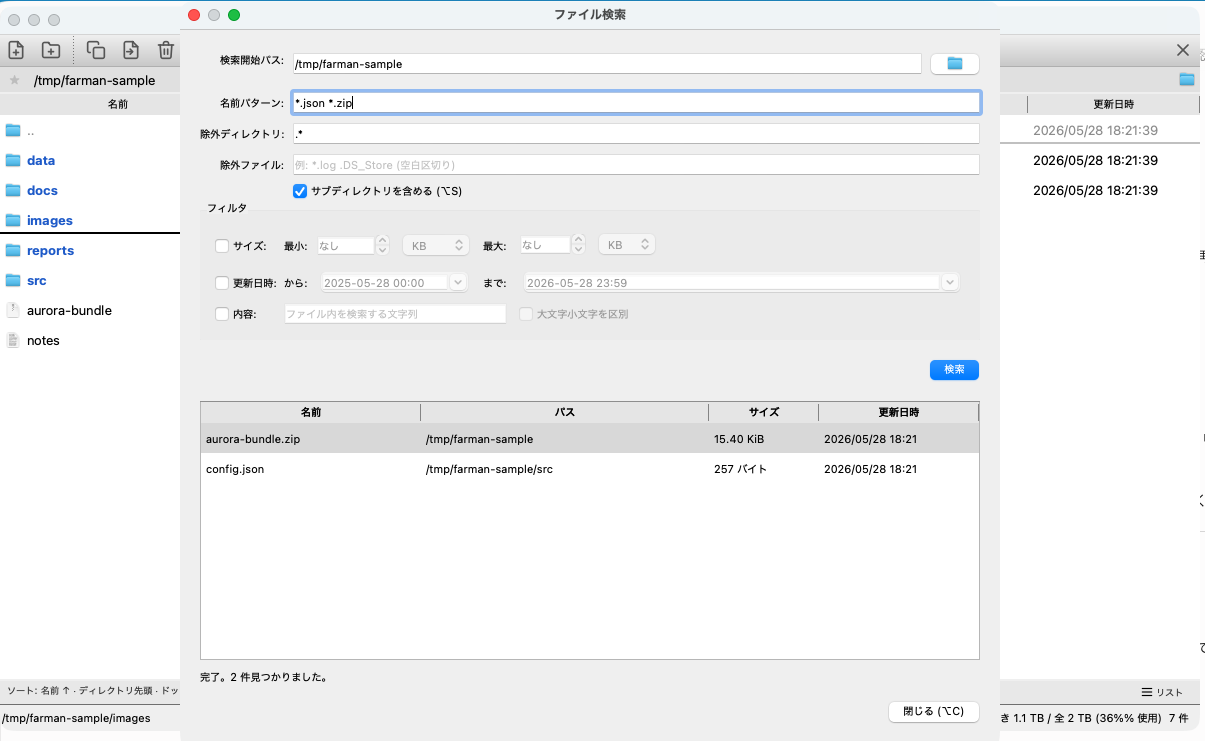
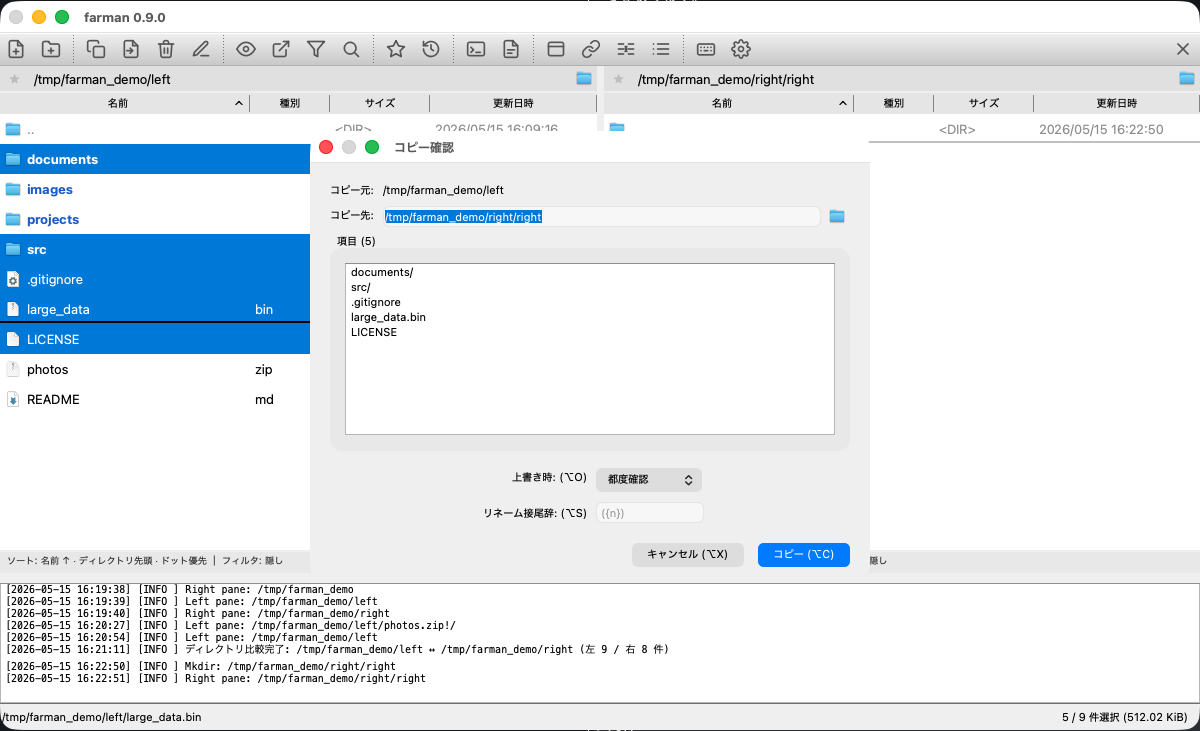
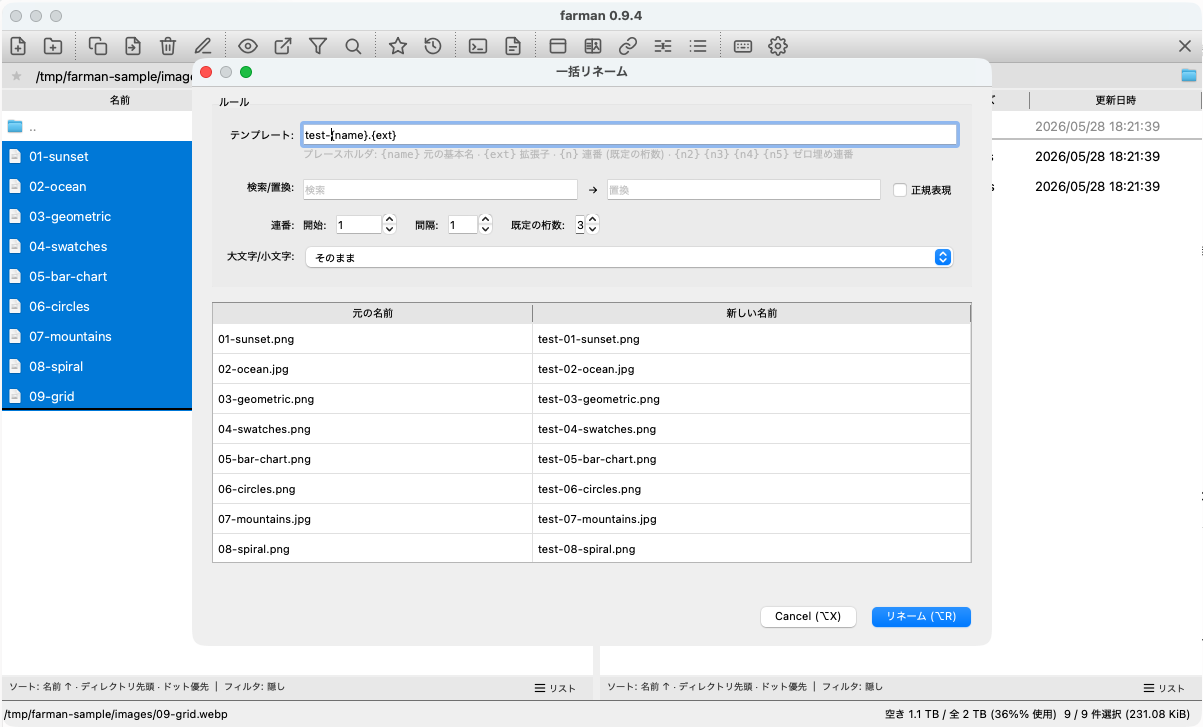
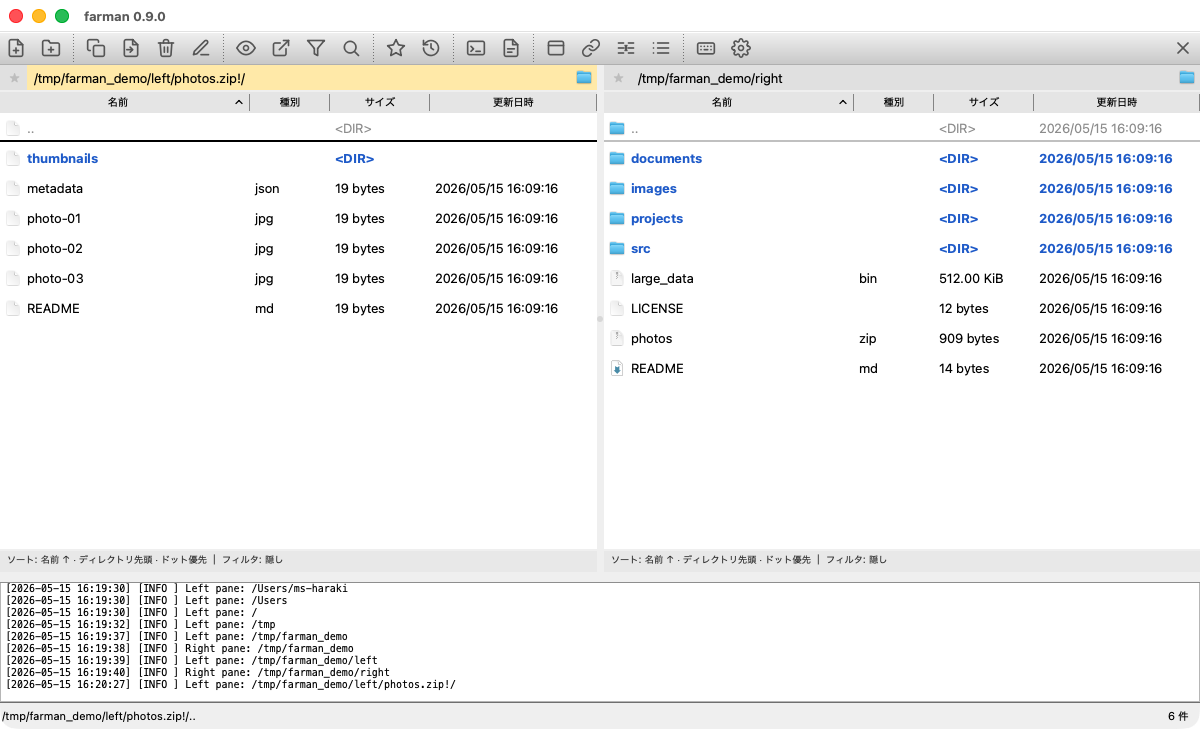
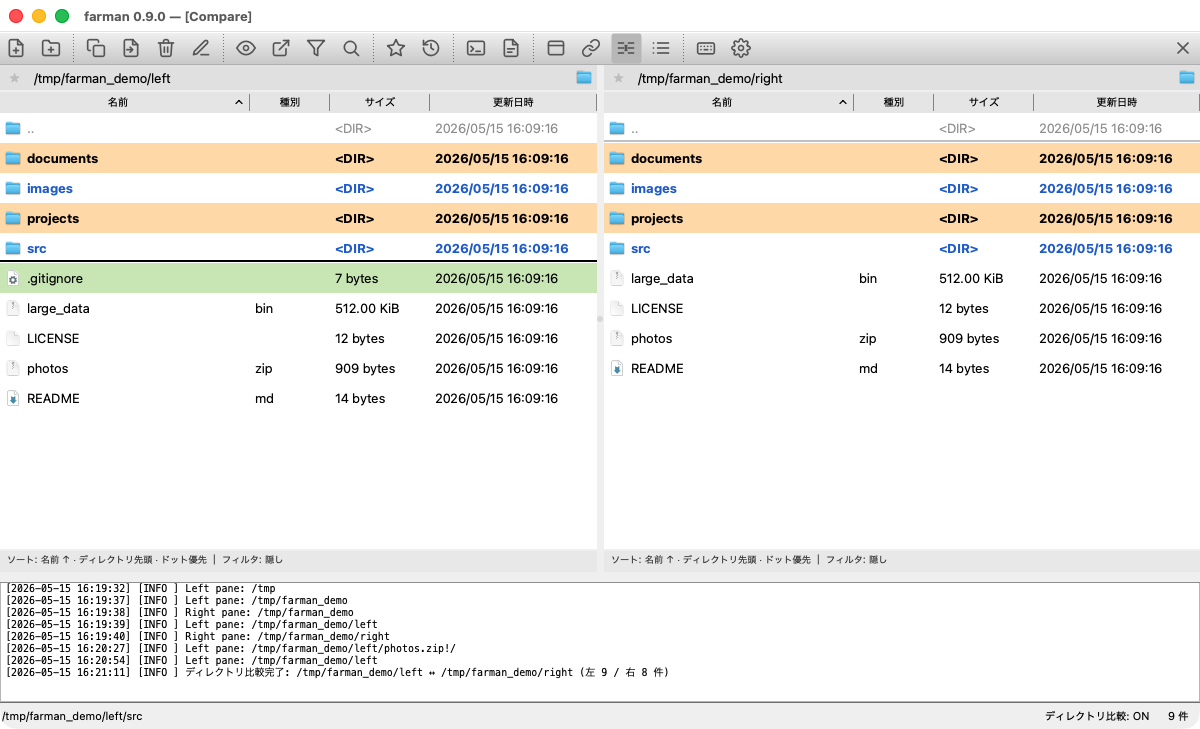
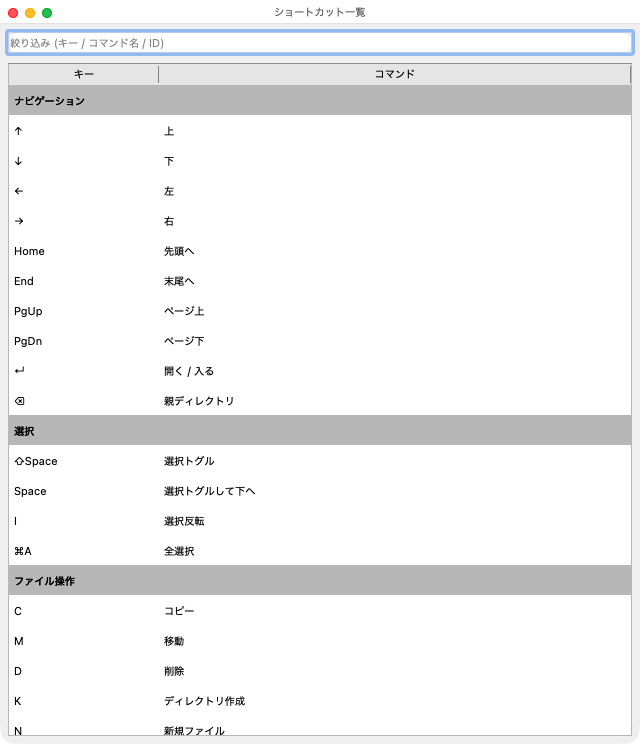
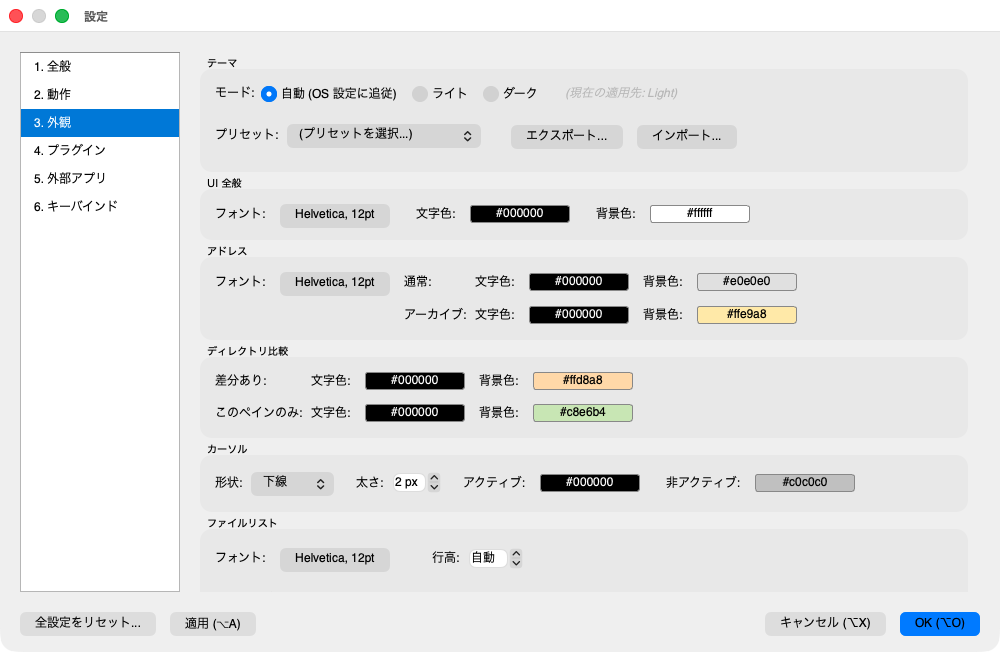
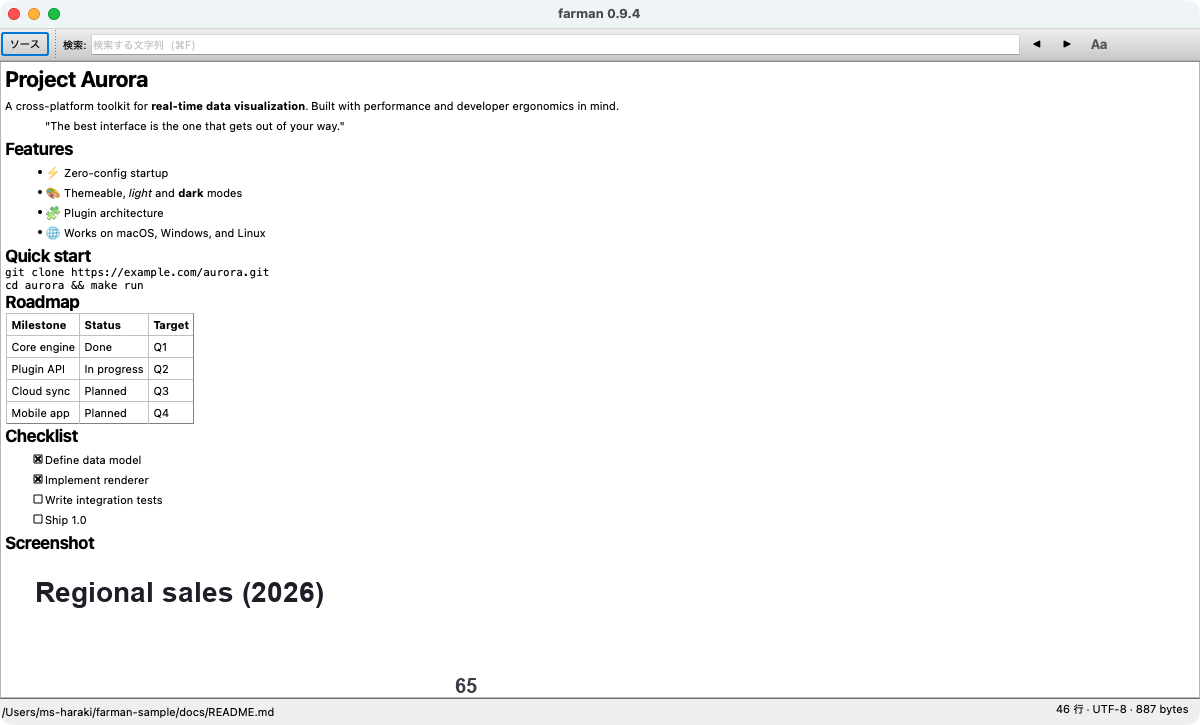
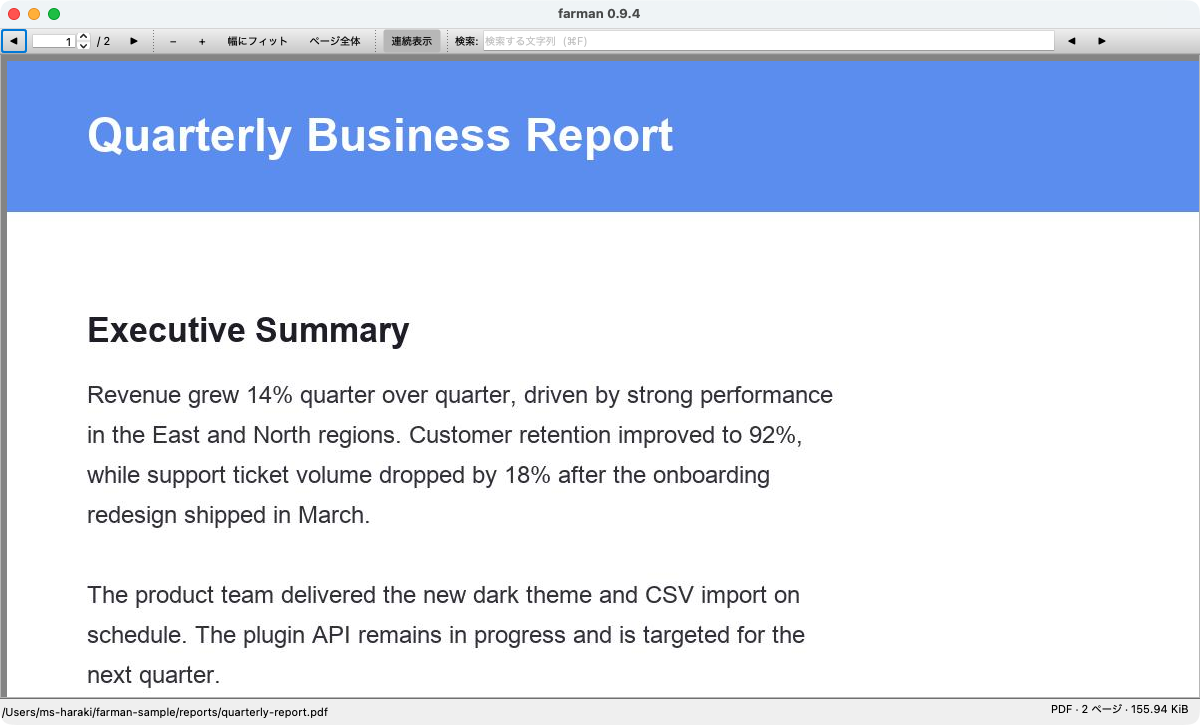
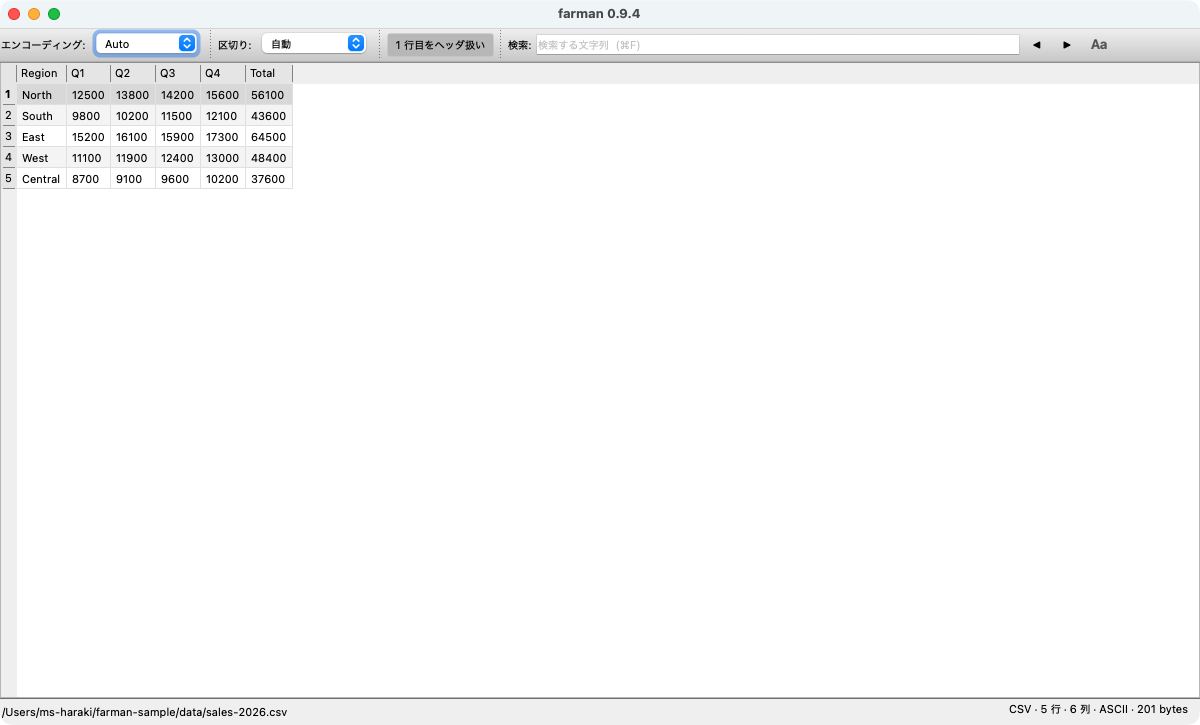
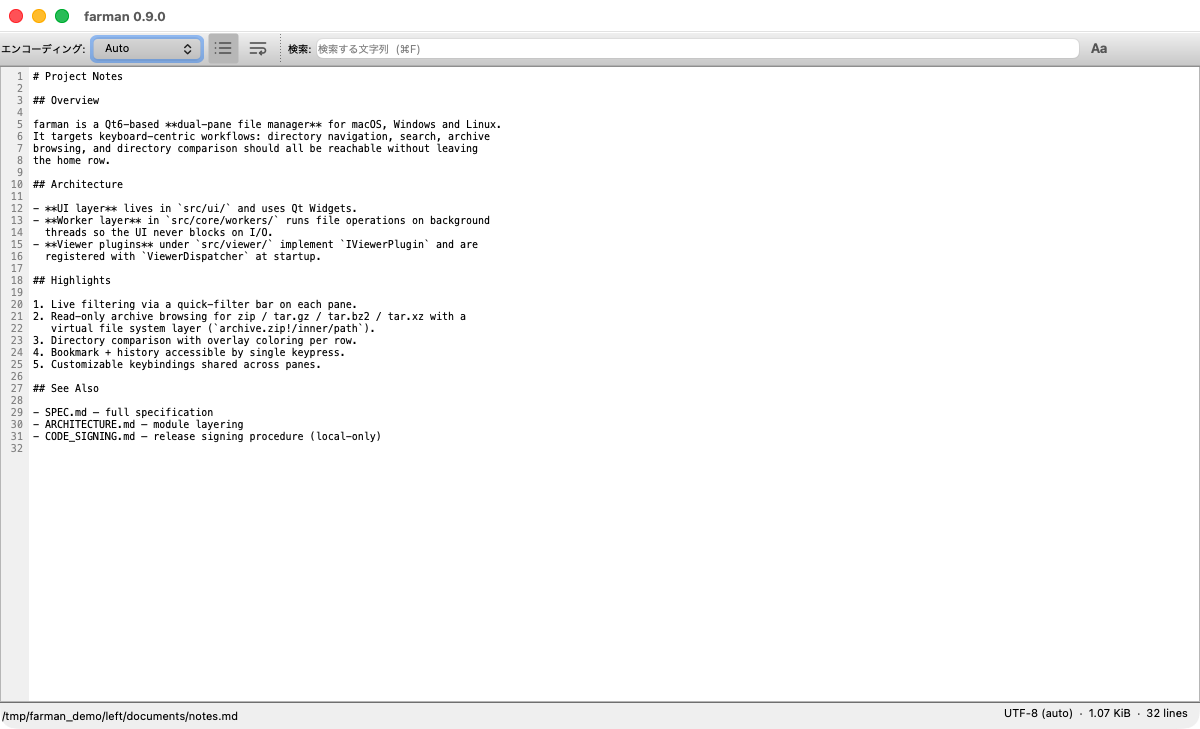
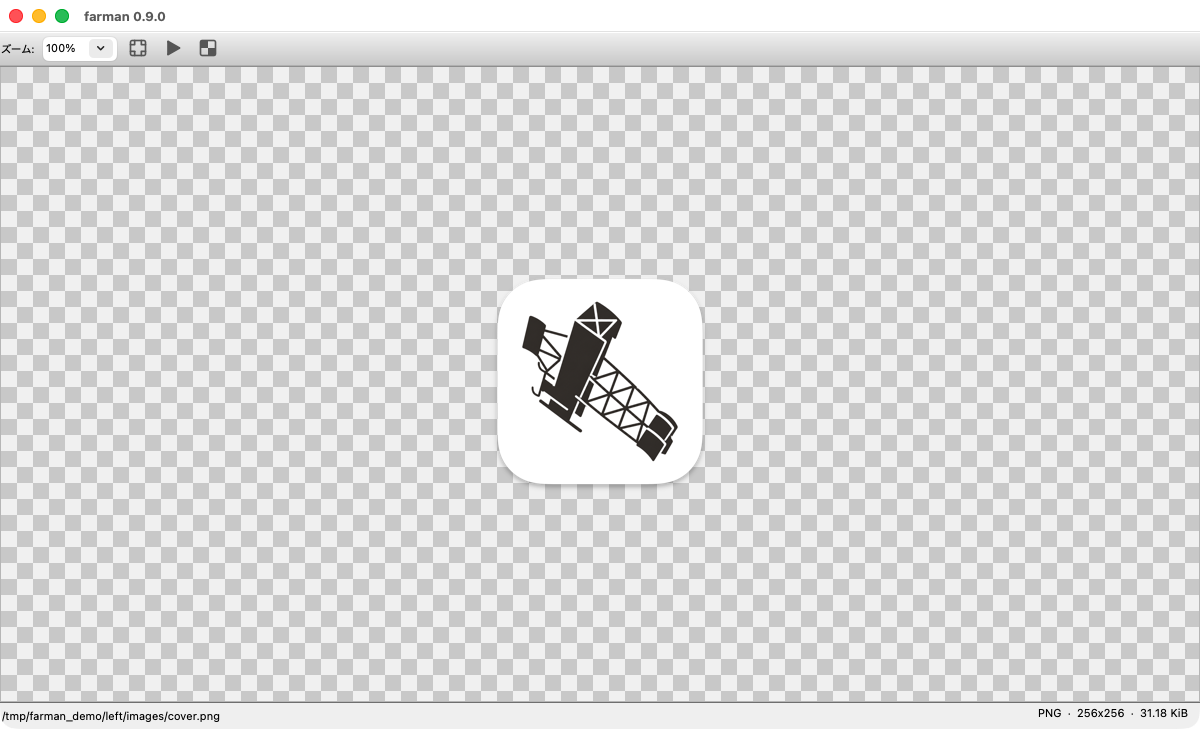
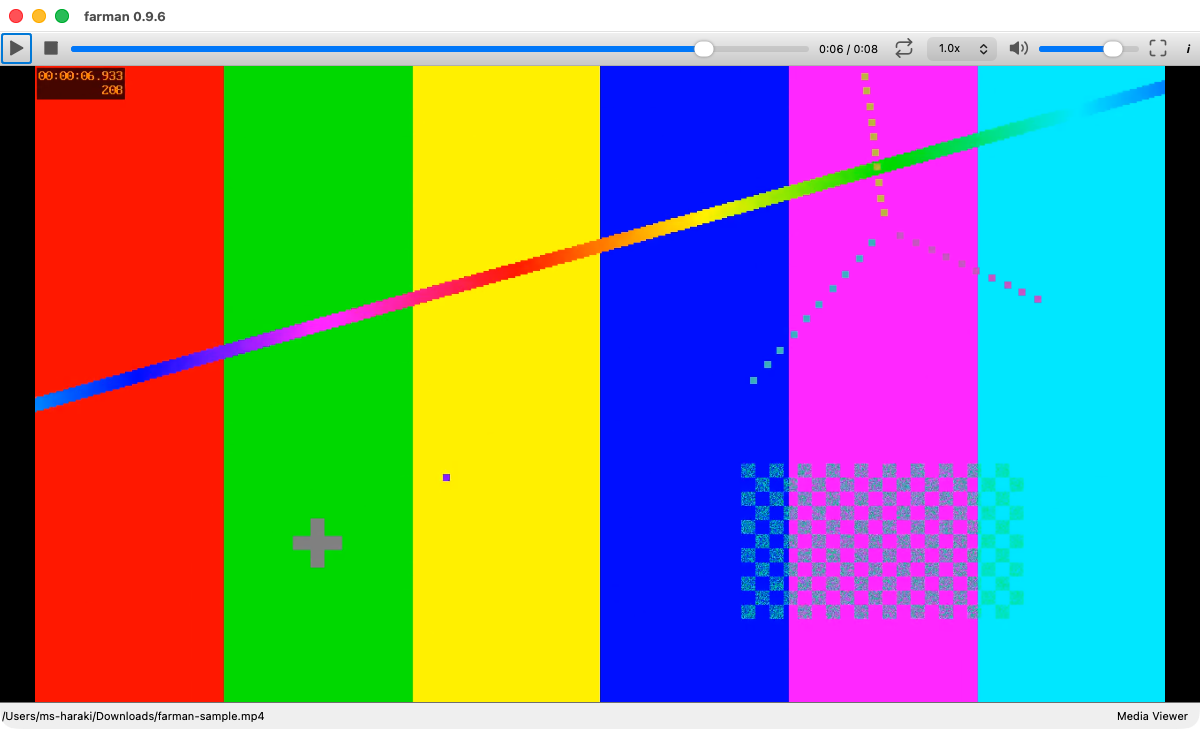
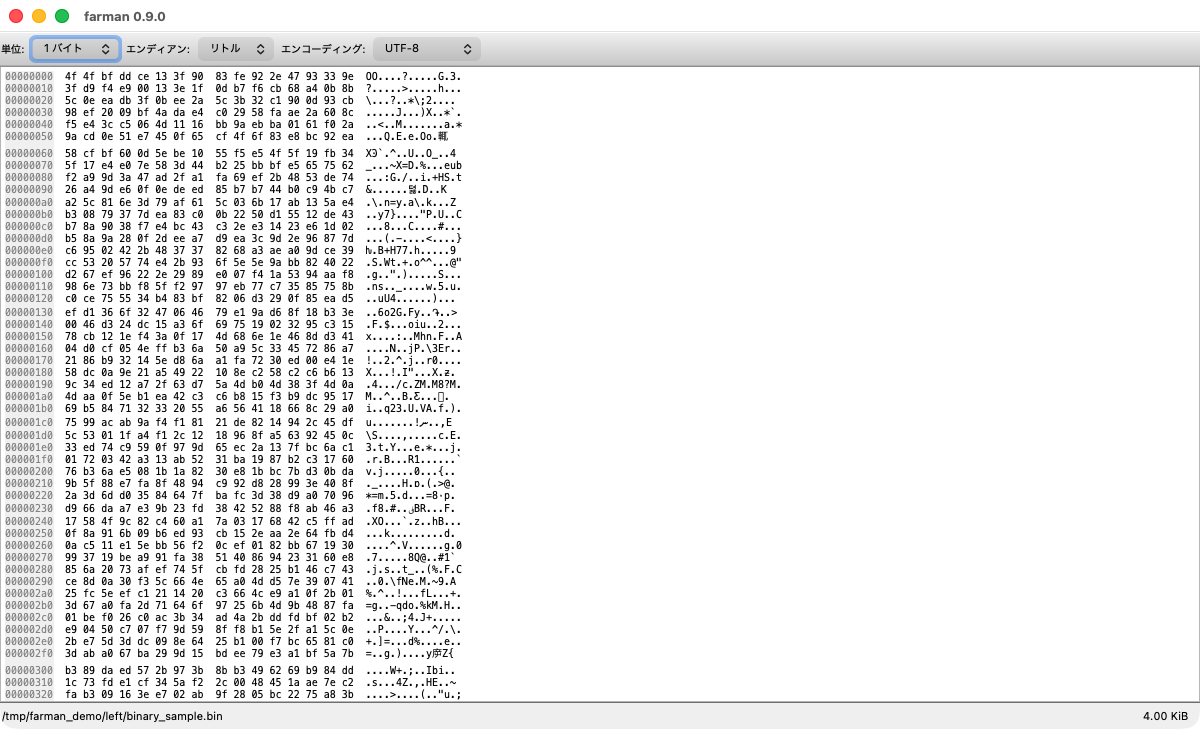
Screenshots show the Japanese UI; the app ships with an English interface too.
Fetching the latest release…
All releases and release notes are on
GitHub Releases;
each release's notes describe the changes in both English and Japanese.
Every asset ships with a .sha256 checksum.
farman is named after Henri Farman, a pioneering aviator of the biplane era.
Its author lives in Tokorozawa, Saitama — home to Japan's first airfield (1911) and known as the birthplace of Japanese aviation. The aircraft that made the field's first flights was a Farman biplane — the very machine that inspired the app's icon.
Pilot your files the way you'd work the controls — entirely from the keyboard.