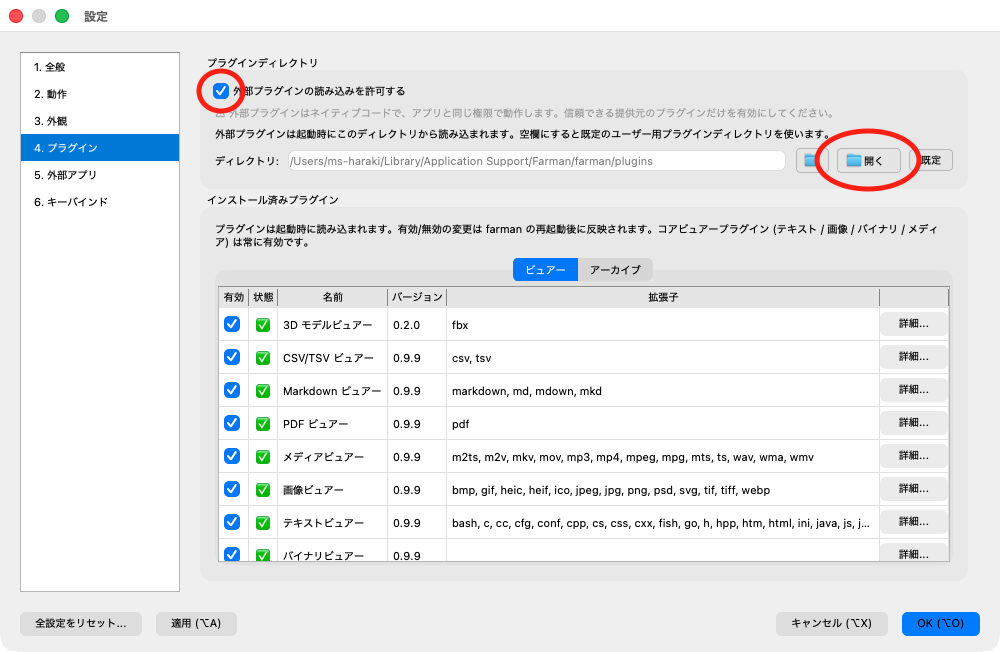
3D model viewer (FBX / OBJ / glTF / Blender)
Display .fbx, .obj, .gltf, .glb and .blend 3D models inside farman. Supports textures (external and embedded), skeletal animation, multiple materials, a floor grid, wireframe, bone (skeleton) display, back-face culling, and a node hierarchy info panel. Rotate, pan, and zoom with the mouse or keyboard (the keys are configurable under Settings → Keybindings).

* Model in the demo: Mage from KayKit Adventurers and animations from KayKit Character Animations, by Kay Lousberg (CC0). For the demo, Mage and the animations were combined into a single file.
What's new in the latest version 1.1.0 · 2026-10-20
Switch between animation clips
- For files that contain several animations (glTF / FBX), you can now choose which clip to play. Use the selector in the toolbar, or the
[/]keys. The selector is hidden for files with one clip or fewer. - The animation length in the model info at the top left now follows the selected clip.
- The help panel (
H) shows "[ / ] : clip switch" only when the file has several clips.
Notes for earlier versions are on the releases page, in Japanese and English.